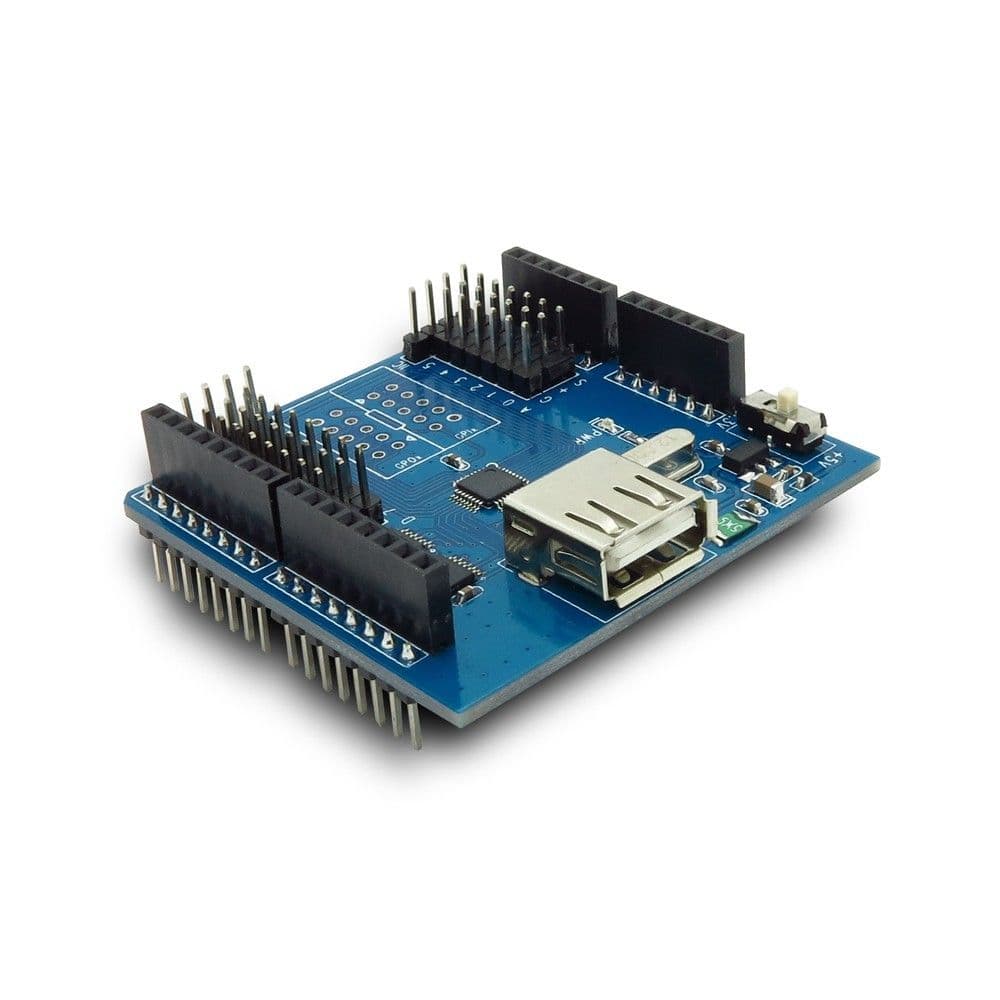
Introduction:
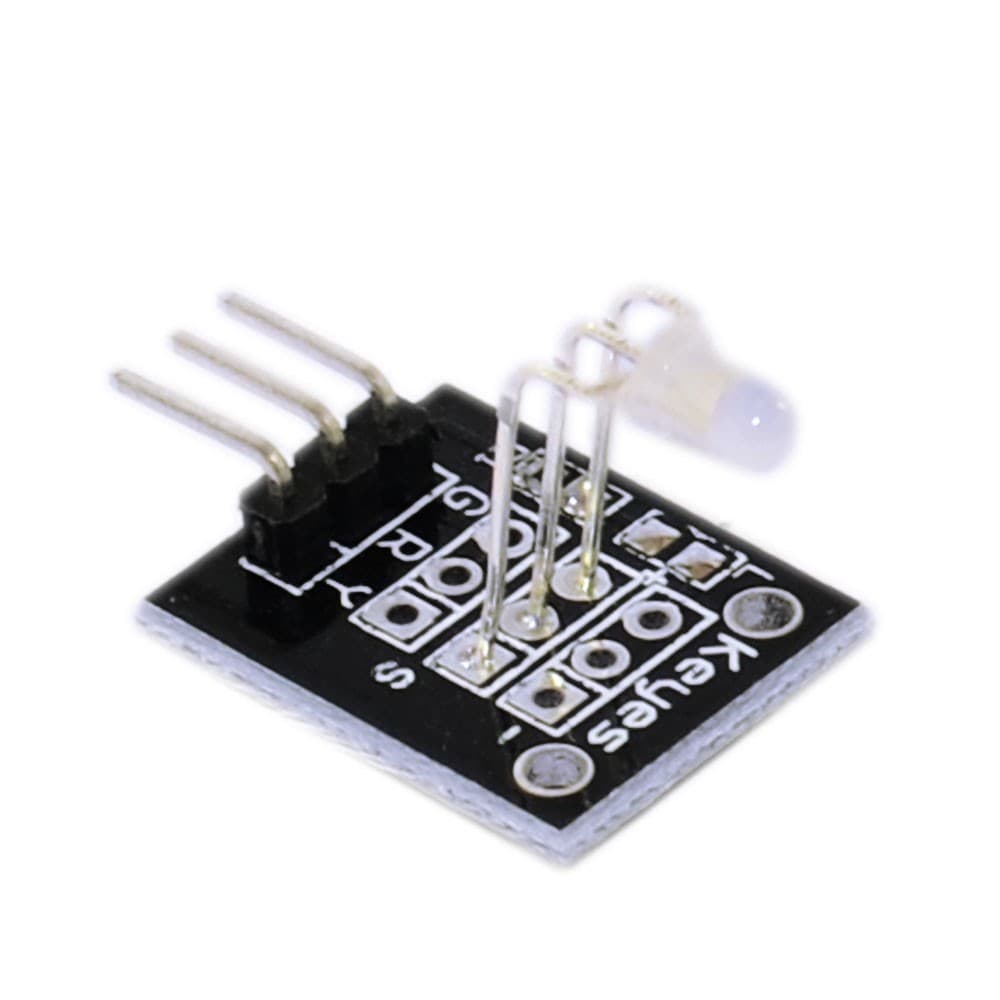
RGB LED module is made of a SMD full-color LED. You can adjust the three primary colors (red/blue/green) by using the PWM voltage input of the R, G, B three pins to realize full color mixing effect. You can realize cool lighting effect using Arduino's control over this module.
Product features:
1. the use of 5050 full-color LED
2. RGB tricolor connected to current-limiting resistance to prevent burn out
3. PWM regulate three primary colors to produce different colors
4. can be connected to various MCU
5. Working voltage: 5V
6. LED drive mode: common-cathode drive
Arduino test code:
int redpin = 11; //select the pin for the red LED
int bluepin =10; // select the pin for the blue LED
int greenpin =9;// select the pin for the green LED
int val;
void setup() {
pinMode(redpin, OUTPUT);
pinMode(bluepin, OUTPUT);
pinMode(greenpin, OUTPUT);
Serial.begin(9600);
}
void loop()
{
for(val=255; val>0; val--)
{
analogWrite(11, val);
analogWrite(10, 255-val);
analogWrite(9, 128-val);
delay(1);
}
for(val=0; val<255; val++)
{
analogWrite(11, val);
analogWrite(10, 255-val);
analogWrite(9, 128-val);
delay(1);
}
Serial.println(val, DEC);
Introduction:
RGB LED module is made of a SMD full-color LED. You can adjust the three primary colors (red/blue/green) by using the PWM voltage input of the R, G, B three pins to realize full color mixing effect. You can realize cool lighting effect using Arduino's control over this module.
Product features:
1. the use of 5050 full-color LED
2. RGB tricolor connected to current-limiting resistance to prevent burn out
3. PWM regulate three primary colors to produce different colors
4. can be connected to various MCU
5. Working voltage: 5V
6. LED drive mode: common-cathode drive
Arduino test code:
int redpin = 11; //select the pin for the red LED
int bluepin =10; // select the pin for the blue LED
int greenpin =9;// select the pin for the green LED
int val;
void setup() {
pinMode(redpin, OUTPUT);
pinMode(bluepin, OUTPUT);
pinMode(greenpin, OUTPUT);
Serial.begin(9600);
}
void loop()
{
for(val=255; val>0; val--)
{
analogWrite(11, val);
analogWrite(10, 255-val);
analogWrite(9, 128-val);
delay(1);
}
for(val=0; val<255; val++)
{
analogWrite(11, val);
analogWrite(10, 255-val);
analogWrite(9, 128-val);
delay(1);
}
Serial.println(val, DEC);
لماذا تتسوق معنا
تسوق بثقة
شحن سريع
إرجاع مجاني
دفع آمن
ضمان 30 يوماً
الدعم
الأسئلة الشائعة
المراجعات
مراجعات العملاء
كن أول من يشارك تجربته
ماذا يقول العملاء
لا توجد مراجعات بعد. اشتريت هذا المنتج؟ شارك رأيك أدناه.